The Native Cloud Save Vault For PC Gamers
Never Lose A Game Save Again.
Your PC Progress, Vaulted In The Cloud.
SavePoint auto-detects, snapshots, and securely backs up your PC game save files to your private cloud vault — with 1-click restore to any machine. 100% free forever.
savepoint:~$engine --watch --mode=cloud-vault --daemon
> System: SavePoint Sync Engine initialized. Awaiting game session...
100% Free
Private Cloud Vault
1-Click
Restore To Any PC
Zero Impact
Silent Background Sync
10,000+
PC Games Supported
Frictionless 3-Step Setup
How SavePoint Works
From installation to full cloud protection in under 60 seconds.
01
1. Download & Install
Get the lightweight SavePoint Desktop Client for Windows. It runs silently in your system tray with zero background CPU impact.
02
2. Pair In 1 Click
Sign in or enter your 6-digit sync code from the web dashboard. Your local Documents and game folders link instantly to your cloud vault.
End-to-End Encrypted03
3. Game With Zero Worries
Every time your game saves or hits a checkpoint, SavePoint snapshots the file. Corrupted file? New PC? Restore anytime with 1 click.
Snapshot RollbacksMost Played & Popular PC Games (2026)
Auto-Detect SupportedVerified cloud snapshots and 1-click restore ready for 2026's top PC titles.

Ready
Counter-Strike 2
FPS2023
Ready
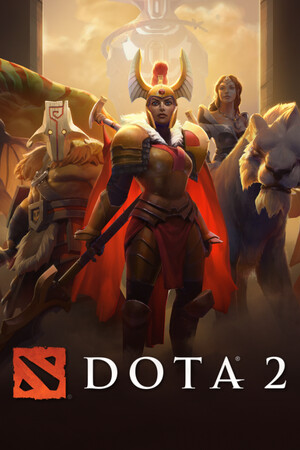
Dota 2
MOBA2013

Ready
PUBG: BATTLEGROUNDS
Battle Royale2017

Ready
Black Myth: Wukong
Action RPG2024

Ready
Call of Duty: Black Ops 6
FPS2024

2026
Grand Theft Auto VI
Action-Adventure2026

Ready
Cyberpunk 2077
RPG2020

Ready
Elden Ring
Action RPG2022

Ready
Baldur's Gate 3
RPG2023

Ready
Palworld
Survival2024
Ready
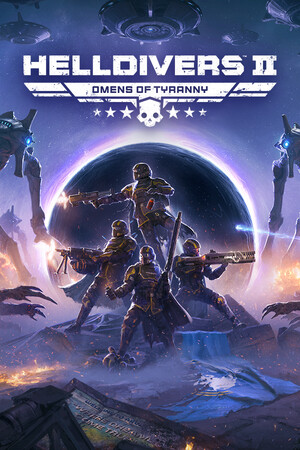
Helldivers 2
Shooter2024

Ready
Apex Legends
Battle Royale2020
Ready
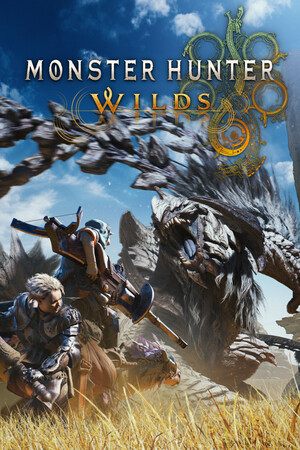
Monster Hunter Wilds
Action RPG2025

2026
DOOM: The Dark Ages
FPS2026

Ready
Sid Meier's Civilization VII
Strategy2025
Ready
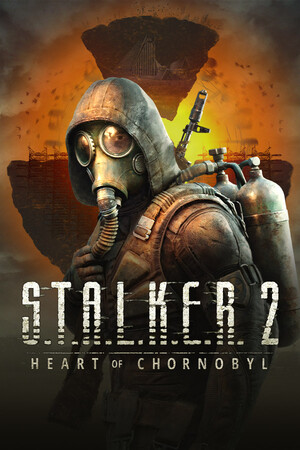
S.T.A.L.K.E.R. 2: Heart of Chornobyl
FPS2024

Ready
Kingdom Come: Deliverance II
RPG2025

Ready
Grand Theft Auto V
Action2015